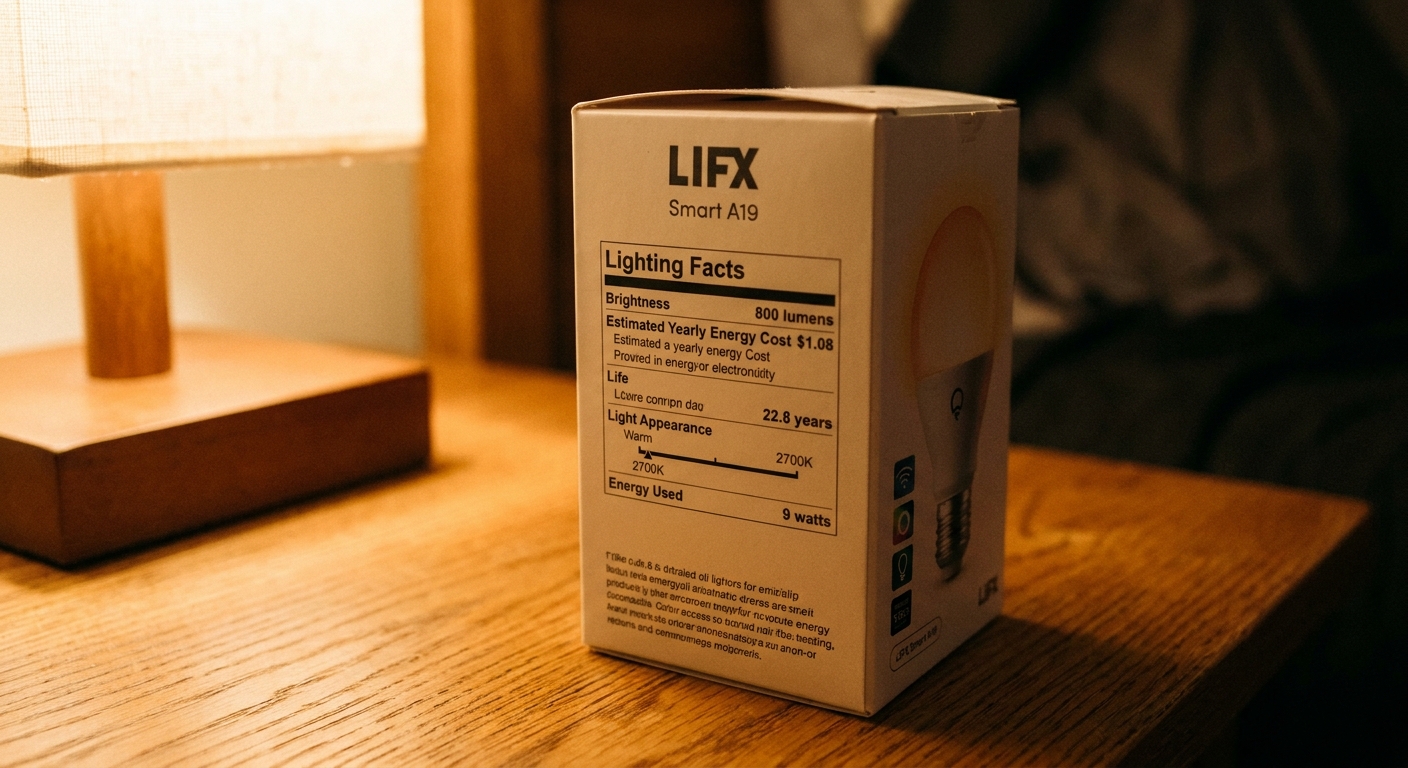
Confused by “soft white” and “daylight”? Use the FTC Lighting Facts label to compare bulbs by lumens, watts, estimated yearly cost, lifespan, and Kelvin colo...
Warm Lumen
Home Office Lighting Setup: Reduce Screen Glare and Eye Strain

Lumi
Lumi is the friendly little firefly host of Warm Lumen, with a heart that glows as brightly as a perfectly placed pendant lamp. He loves discovering how soft bulbs, warm color temperatures, and layered lighting can transform any dark room into a welcoming retreat. Lumi is always fluttering by to share bright ideas and cheer you on as you create a beautifully lit space.
Published · Last updated
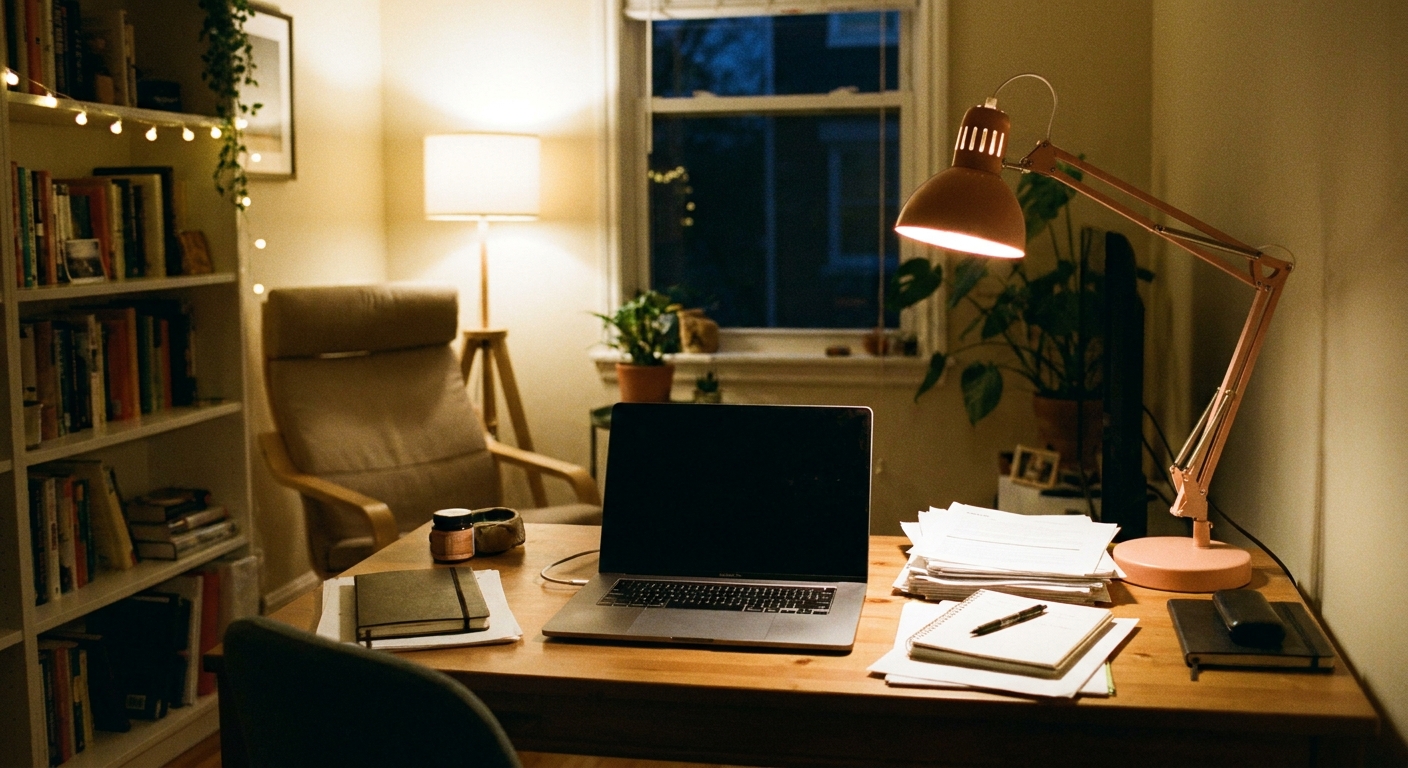
Let’s find the perfect glowing touch for every corner of your home, especially the one where you do your thinking, clicking, and creating. A home office can feel crisp and calm when the light supports your eyes instead of battling your screen. The secret is simple: reduce harsh contrast, control reflections, and build gentle layers of light.
Why glare and eye strain happen
Most discomfort at a desk comes from one of three lighting mismatches:
- Reflections on the monitor from a window or exposed bulb behind you.
- Too much contrast between a bright screen and a dim room, which makes your eyes constantly adjust.
- Wrong task lighting that creates hot spots on your desk or shines into your eyes.
A quick distinction that helps: reflection is when you can see a window or lamp mirrored in your screen. Glare is the broader “too bright” feeling, either from a bare bulb in your view or a bright patch that makes you squint.
Good home office lighting is not about making everything brighter. It’s about making brightness even, controlled, and comfortable.
Start with monitor placement
Put the screen perpendicular to windows
If a window is directly behind your monitor, you’ll fight backlight glare all day. If a window is behind you, your screen can turn into a mirror. The easiest win is placing the monitor so the window is to the left or right of it.
- Best: Monitor at a 90-degree angle to the window.
- Avoid: Window directly in front of you or directly behind you.
Control daylight with soft shading
Sheer curtains, light-filtering shades, or adjustable blinds help you keep daylight without the harsh beam. The goal is a gentle wash, not a spotlight.
Use layers of light
Layered lighting keeps the room and your work surface closer in brightness, so your eyes can relax.
1) Ambient light
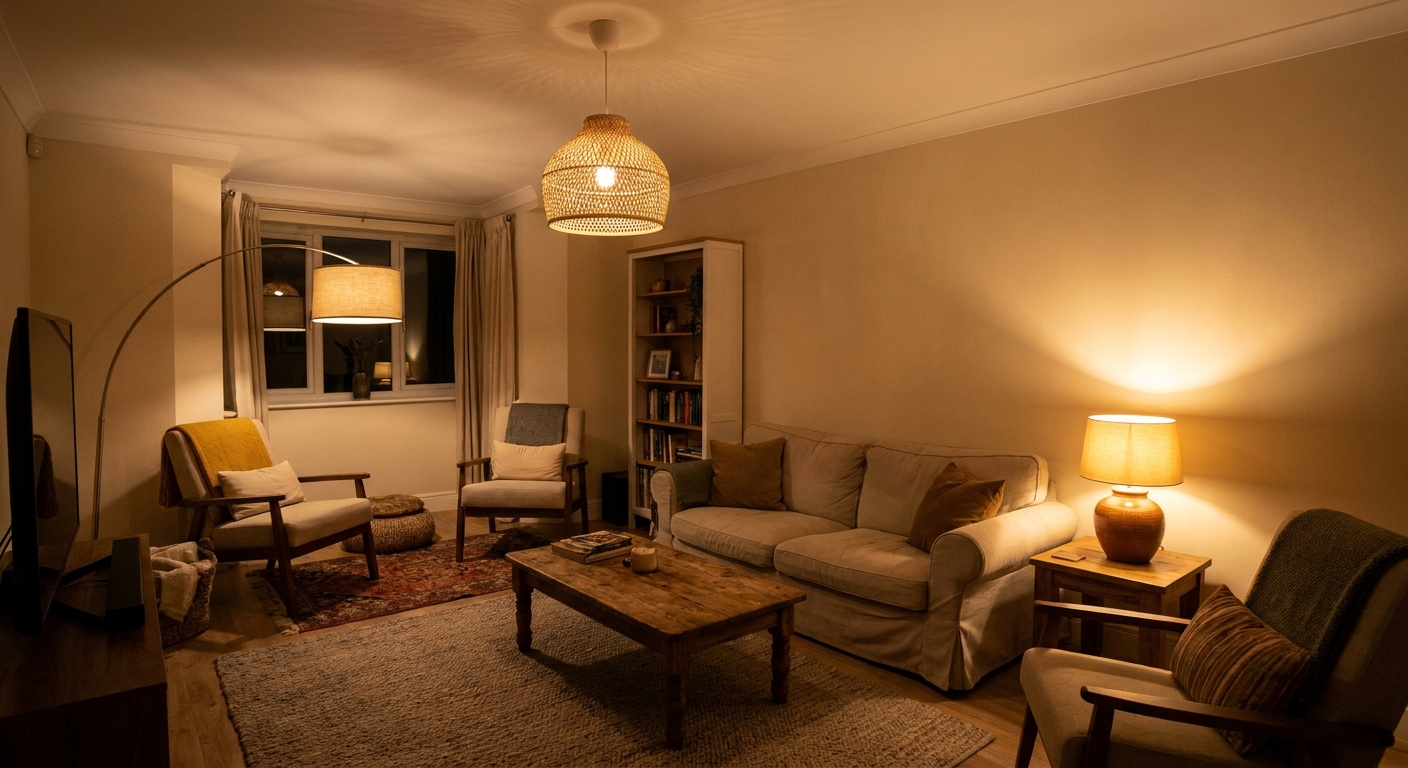
Start with a comfortable overall glow from a ceiling fixture, semi-flush mount, floor lamp, or multiple lamps across the room. Ambient light reduces the “bright screen in a cave” effect.
- Target feel: Even light across the room with minimal shadows.
- Tip: If you only have one overhead light and it feels harsh, add a floor lamp in a corner to soften the room.
For a deeper guide to balanced lighting, head to Lighting Basics & Education.
2) Task light
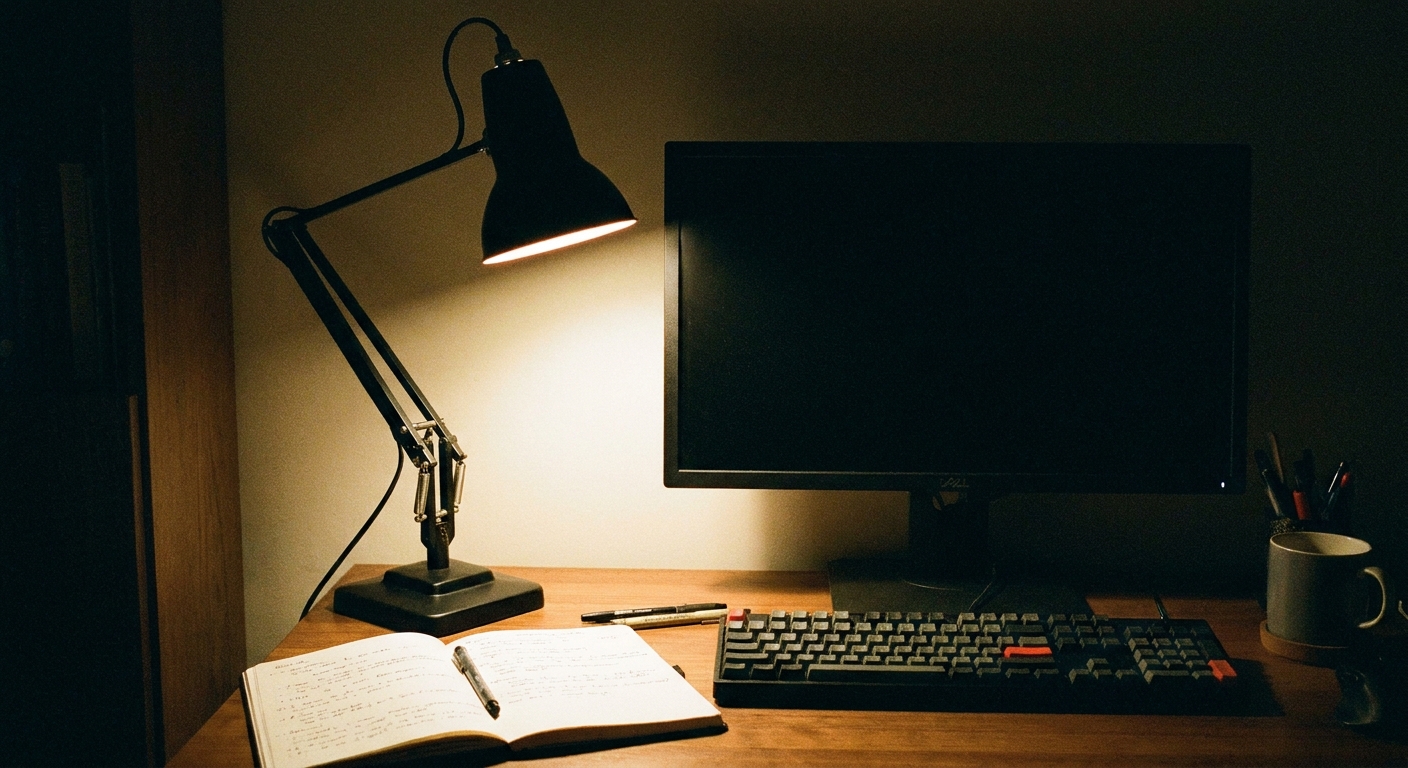
A desk lamp should brighten documents, notebooks, and your keyboard area without bouncing into your face or your monitor.
- Placement for right-handed writers: Lamp on the left to reduce hand shadows.
- Placement for left-handed writers: Lamp on the right.
- Angle: Aim the beam downward toward the work surface, roughly around a 30 to 45 degree tilt, so it lights paper and hands without splashing into your eyes.
- Height: Keep the light source above eye level and out of your direct line of sight.
3) Optional bias light
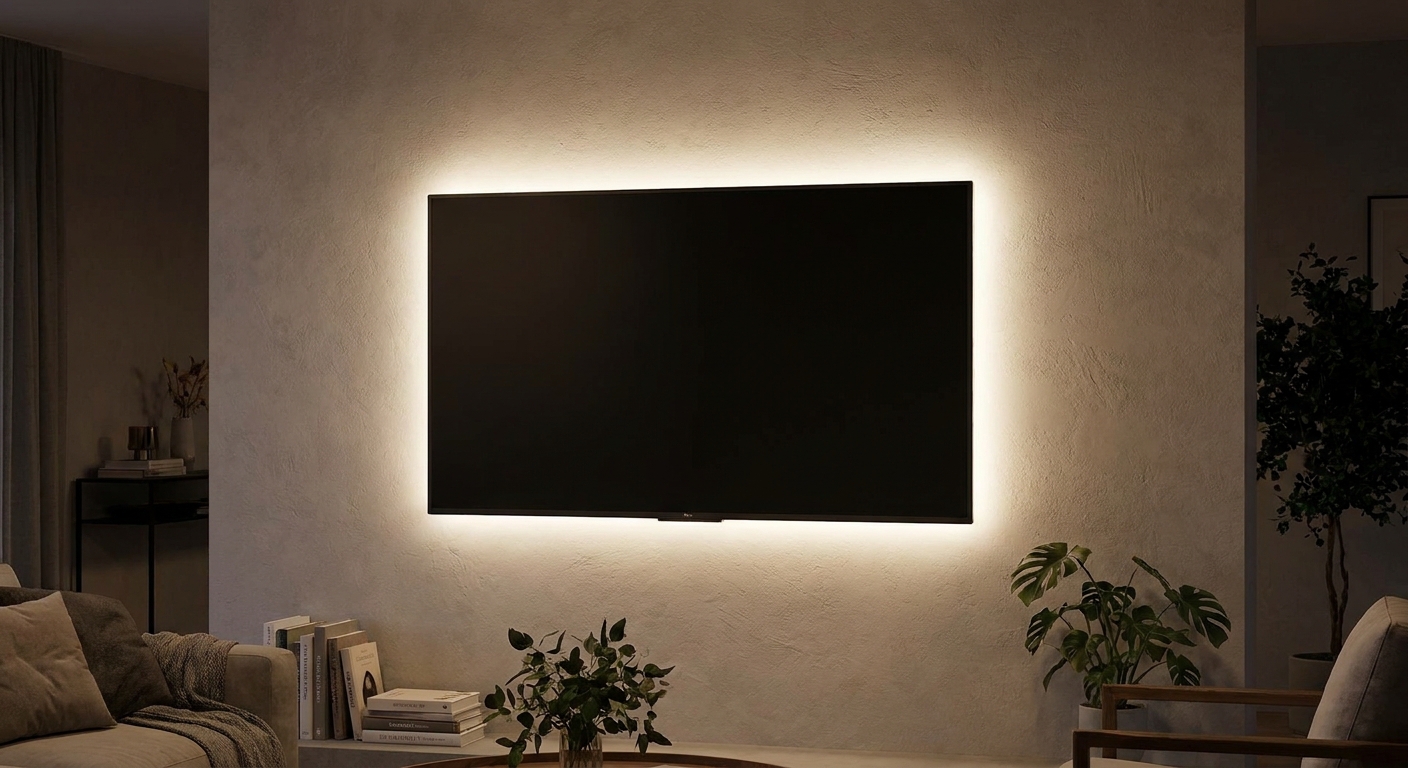
“Bias lighting” is a dim, diffuse light behind your monitor that gently brightens the wall. This reduces perceived contrast between the screen and the room, which many people find soothing during long sessions.
- Keep it soft: You want a halo on the wall, not a bright lamp visible in your eyes.
- Best source: A small lamp behind the monitor or a dimmable light placed behind the screen area.
Pick a comfortable color temperature
Color temperature is measured in Kelvin (K). In a home office, the sweet spot depends on your space and when you work.
- 2700K to 3000K (warm white): Cozy and calming. Great for evening work, creative tasks, and reducing the stark feel of bright white light.
- 3000K to 3500K (soft neutral): Balanced and clear. A popular choice for daytime productivity without feeling icy.
- 4000K (cool white): Crisp and alerting, but can feel harsh in the evening and in small rooms, especially if the bulb is exposed.
- 5000K and above (daylight): Very crisp. Some people love it for detail work, but it can feel stark if the room is not well diffused.
If your eyes feel tense, try moving one step warmer first (for example, from 4000K down to 3000K) while keeping good brightness and layering.
Choose fixtures that reduce glare
Go for diffused light
Exposed bulbs can create sparkle in your peripheral vision and show up as reflections on glossy screens.
- Choose a lamp with a shade or diffuser.
- Avoid clear glass bulbs in your direct field of view.
- If your ceiling fixture is bare or harsh, consider a shade-based style for softer distribution.
Need style ideas that still feel comfortable at a desk? Browse Fixtures & Styles.
Use dimming and low-flicker lighting
Some LED setups can flicker, especially when dimmed with incompatible dimmers. If you are sensitive, look for reputable low-flicker or flicker-free claims and choose brands with solid specs and reviews. Pair bulbs with dimmers designed for LED loads.
- If dimming causes shimmer: Try a different bulb or an LED-rated dimmer.
- If you cannot dim: Add a second, lower-output lamp for flexibility instead of relying on one harsh source.
Desk lamp aiming
Here’s a simple way to set your lamp so it helps your hands and notes without fighting your monitor.
Step by step
- Turn on ambient light first so the room is not dim.
- Place the lamp opposite your writing hand to reduce shadows.
- Aim the hotspot at your work zone (paper area or keyboard), not the screen.
- Check your monitor from your normal sitting position. If you see a bright reflection, rotate the lamp head away or move the lamp slightly back.
- Soften the surface if needed. A matte desk pad can reduce bounce compared to a glossy desktop.
Match screen brightness to the room
One easy eye-strain fix is adjusting the monitor itself. If your screen is blasting at full brightness at night, your eyes have to work harder, even if your lamps are well placed.
- In the evening: Lower screen brightness a bit and rely on soft ambient light so the room is not dark.
- In daytime: Raise ambient light and soften windows first, then adjust screen brightness to match the room, rather than cranking the monitor to overpower glare.
Brightness balance test
Instead of chasing a perfect number, use this quick comfort check:
- If the screen looks like a lantern in the dark: Add more ambient light or bias light.
- If you squint at paper but the room feels bright: Increase task light on the desk (aimed down).
- If you feel washed out or restless: Reduce overhead intensity and rely more on shaded lamps around the room.
The goal is a gentle gradient of light, not a sharp jump from bright to dark.
Common problems and fixes
Overhead glare
- Turn down overhead brightness, use a shaded fixture, or add a floor lamp so the ceiling light is not doing all the work.
- Move the monitor slightly forward so the overhead reflection falls outside the viewing area.
Window reflections
- Rotate the desk so the window is to the side.
- Use light-filtering shades to soften the beam.
Desk lamp reflecting in the screen
- Move the lamp farther to the side and aim it down more steeply.
- Swap to a lamp with a deeper shade or better diffusion.
Eye fatigue at night
- Use warmer bulbs (2700K to 3000K) and add bias lighting behind the monitor.
- Avoid a single bright overhead light in an otherwise dark room.
Lighting for video calls
If you take meetings at your desk, overhead light alone can carve shadows under your eyes. A simple upgrade is adding a soft, shaded lamp near your monitor to act as gentle front fill.
- Place a small lamp behind or just beside the monitor, aimed toward the wall or through a shade for diffusion.
- Avoid an exposed bulb aimed straight at your face, which can feel harsh and reflect in your lenses if you wear glasses.
Checklist
- Monitor is perpendicular to windows.
- Room has ambient light that fills shadows.
- Desk lamp is placed opposite your writing hand and aimed down at the work surface.
- Bulbs are 2700K to 3500K for a comfortable, focused feel.
- Light sources are shaded or diffused to reduce sparkle and reflections.
- Optional: soft bias light behind the monitor for evening comfort.
- Screen brightness is adjusted to match the room, especially at night.
For more room-specific lighting ideas, see Room-by-Room Lighting.
FAQ
Should the desk lamp be brighter than the screen?
It should be bright enough to make paper easy to read without forcing your screen to compete. If your desk area is much brighter than your monitor, you may notice more reflections. Aim for balance: comfortable paper visibility, no glare on the screen.
Is warm light or cool light better for productivity?
Many people like 3000K to 3500K for a focused but not harsh vibe. Warmer light (2700K to 3000K) often feels better in the evening. Cooler light can be energizing, but it can also feel stark if it is too intense or poorly diffused.
Do matte screens help with glare?
Matte displays can reduce mirror-like reflections compared with glossy screens. Even with a matte screen, good lighting placement still matters, especially keeping bright sources out of your reflection angles.